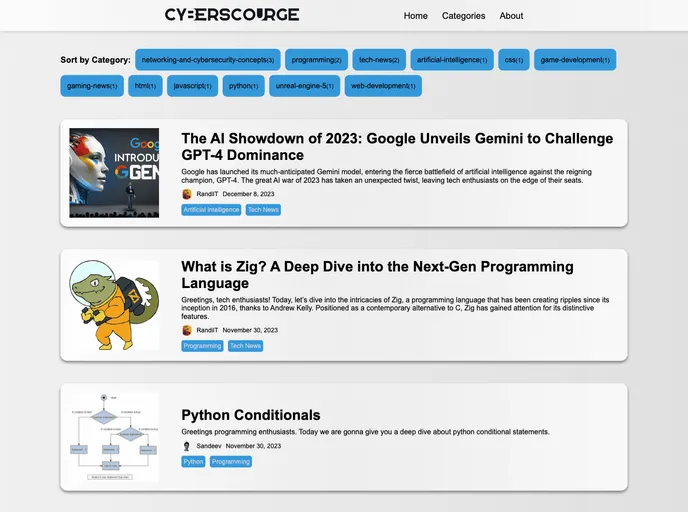
Dive into the world of tech with our blog! Explore networking, cybersecurity, web development, coding tips, game development and more. Contribute your insights and stay in the loop with the latest in technology. Let's build and share knowledge together!
CyberScourge Hub Blog is a platform dedicated to exploring and sharing insights on various tech-related topics, including networking, cybersecurity, web development, coding tips, and more. It is a tech-focused blog that allows users to explore posts and engage in conversations about these topics.
To install the CyberScourge Hub Blog theme, follow these steps:
Ensure that you have Hugo, the static site generator used for this blog, installed on your system.
Clone the repository by running the following command in your terminal:
git clone https://github.com/randilt/cyberscourge-hub.git
Navigate to the project folder using the following command:
cd cyberscourge-hub
Run Hugo to start the server and preview the blog locally:
hugo server -D
Open your browser and visit http://localhost:1313/ to view the local preview of the blog.
CyberScourge Hub Blog is a tech-focused blog that provides insights on various tech-related topics such as networking, cybersecurity, web development, and coding tips. It allows users to explore these topics, customize the blog’s theme, and even contribute their own content. By following the installation guide, users can easily set up and preview the blog locally.

