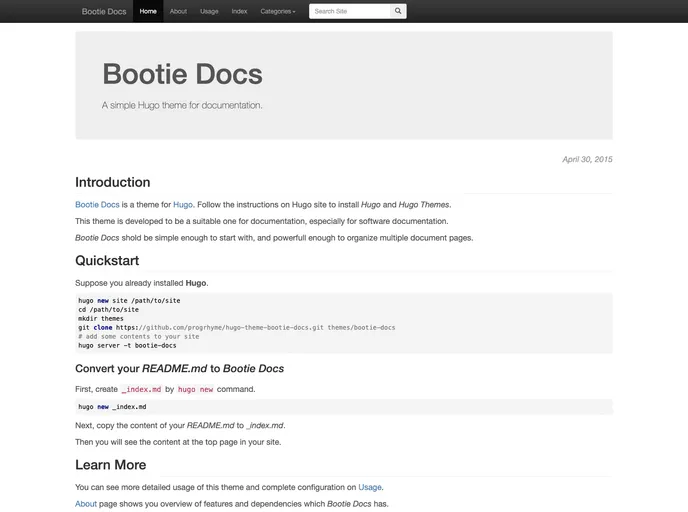
A simple Hugo theme for documentation
Bootie Docs is a simple Hugo theme designed specifically for documentation purposes. The theme gets its name from its use of the Bootstrap CSS framework. It offers a streamlined and straightforward design to provide easy navigation and access to documentation content.
To install Bootie Docs, follow these steps:
\_index.md file in your project using the following command: hugo new \_index.mdcontent/\_index.md file to add the desired content for the top page.menu.main section in your config.toml or config.yaml file, supported by Hugo’s Menu System.Bootie Docs is a minimalistic Hugo theme specifically designed for creating documentation websites. It offers a simple and clean design, making it easy for users to navigate and access documentation content. However, it lacks certain features typically found in blogging themes, such as RSS feeds and post pagination. The theme includes the Bootstrap CSS framework, jQuery, and highlight.js for added functionality and flexibility. Bootie Docs is released under the MIT License, making it free and open-source for developers to use and modify.