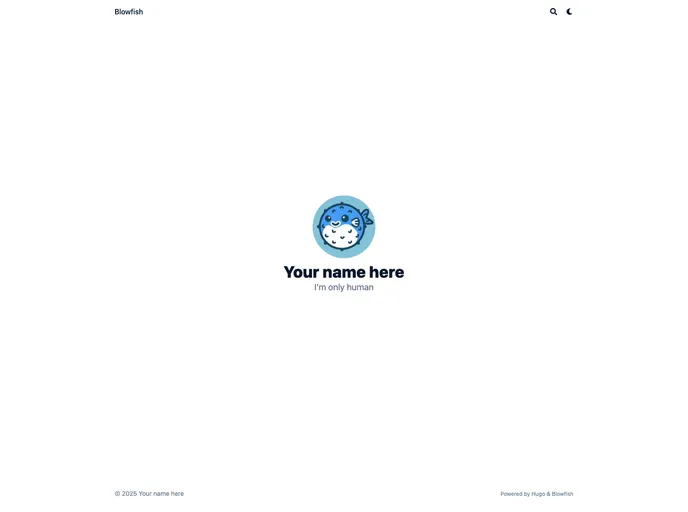
Blowfish Template
The Blowfish Template is a theme for the Blowfish Hugo Theme. It serves as a starting point for quickly setting up the Blowfish theme and provides a convenient way to get started. However, for complete documentation, it is recommended to visit the main website of Blowfish.
To install the Blowfish Template, follow these steps:
config.toml file in your Hugo project to use the Blowfish theme.Here’s a code snippet to guide you through the installation process:
$ git clone https://github.com/blowfish-templates/blowfish-template.git
$ cd blowfish-template
$ cp -r blowfish-template /path/to/your/hugo/project/themes/
$ cd /path/to/your/hugo/project/
$ nano config.toml
In the config.toml file, update the theme parameter to:
theme = "blowfish-template"
Save the changes and exit the text editor.
The Blowfish Template is a convenient starting point for setting up the Blowfish Hugo Theme. With easy installation and customizability options, users can quickly create a personalized website using this template. Visit the main website of Blowfish for detailed documentation and further information.

