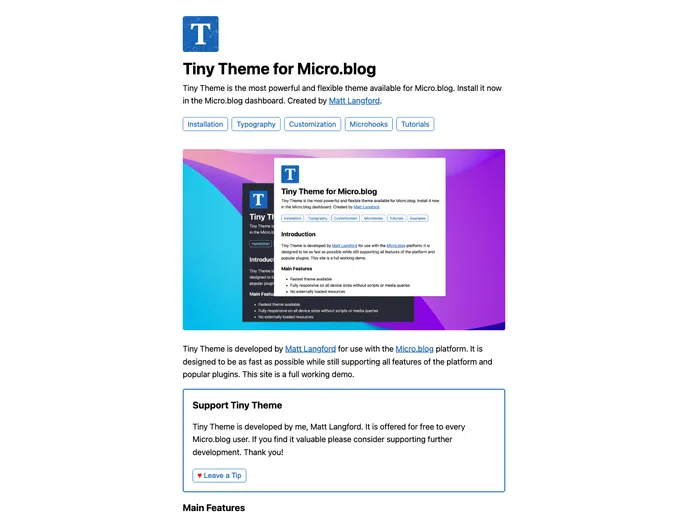
Tiny Theme For Micro.blog screenshot

Tiny Theme For Micro.blog

Author Avatar Theme by Mattslangford
Updated: 29 Oct 2025
43 Stars

A custom theme for the Micro.blog platform. Created by Matt Langford.

Categories

Overview:

Tiny Theme for Micro.blog, created and maintained by Matt Langford, is designed to be a fast and customizable theme for the Micro.blog platform. It supports all features of the platform and popular plugins, making it convenient for users to personalize their blog.

Features:

  • Fast Performance: Designed to be as fast as possible while supporting all Micro.blog features.
  • Easy Customization: The theme is the easiest to customize on the Micro.blog platform.
  • Microhooks Integration: First theme on the platform to use Microhooks for enhanced functionality.
  • Free of Charge: Provided for free to Micro.blog users with no payment received from Micro.blog.

Installation:

To install the Tiny Theme for Micro.blog, follow these steps:

  1. Log in to your Micro.blog account.
  2. Go to the theme settings.
  3. Click on “Browse” and search for “Tiny Theme.”
  4. Click on “Install” to apply the theme to your blog.
  5. Customize the theme according to your preferences in the settings.

Summary:

Tiny Theme for Micro.blog, developed by Matt Langford, offers a fast and customizable solution for users of the Micro.blog platform. With features like fast performance, easy customization, and Microhooks integration, this theme stands out as a convenient option for bloggers looking to create a personalized blog experience.
