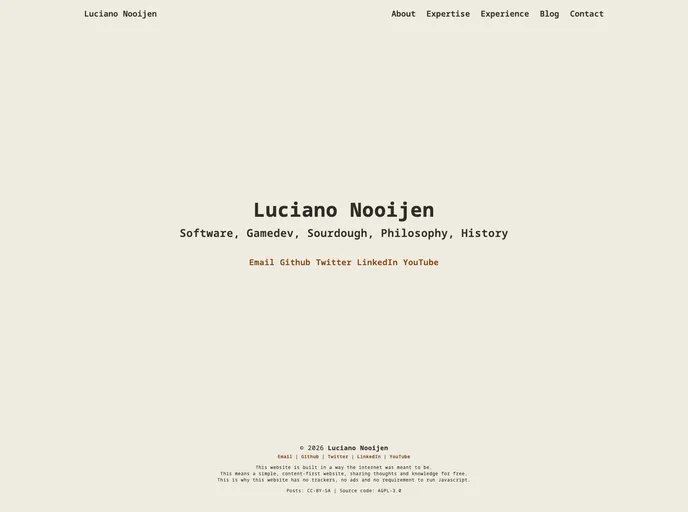
The website I created to tell others about myself, my expertise and my experience. Built with the Hugo static site builder.
The Luciano Nooijen personal website is a static website built using the Hugo framework. It can be easily hosted on any hosting service and offers both a development and production environment.
To install and use the Luciano Nooijen personal website, follow these steps:
hugo server to start the development environment. The website will now be accessible on http://localhost:1313.open http://localhost:1313 && hugo server to open the website in your default browser automatically.rm -rf build && hugo -d build -b [url]. Replace [url] with the desired base URL for your website.build folder to your web host.Alternatively, you can use the following make commands:
make server: Runs hugo server.make dev: Runs hugo server and opens localhost:1313 in the browser.make build: Runs the hugo build command as explained under the “production” header.The Luciano Nooijen personal website is a static website built using the Hugo framework, making it easy to host and deploy. It offers both a development and production environment and provides a set of useful make commands for convenience.