Overview:
The Mediumish Theme is a customized port of the Mediumish Jekyll-Theme by WowThemesNet for gohugo. While the original theme has more features, this ported version has additional features that were not included in the original. Some of the key features of this theme include a landing page, a 404 page, shareable posts via social media, custom pagination, prev/next links, tag overviews in the jumbotron, and integrations with Disqus Comments, Google Analytics, and Mailchimp.
Features:
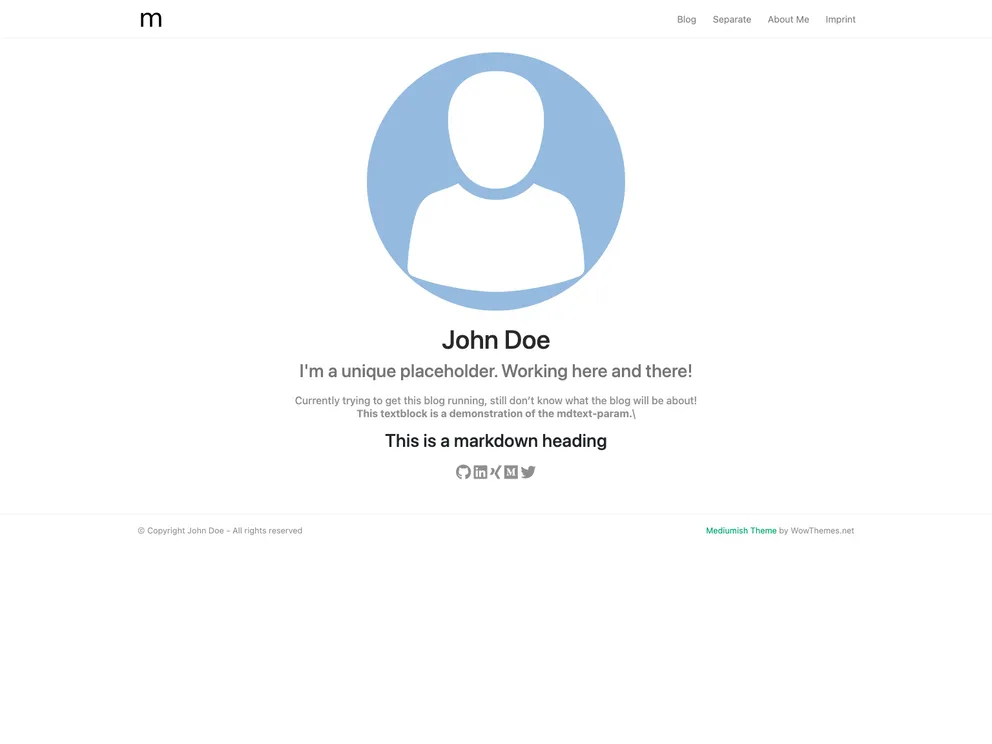
- Landing Page: A customizable landing page where you can provide your username from platforms like GitHub, LinkedIn, Xing, Twitter, and Medium, which will be displayed as icons.
- 404 Page: A customized 404 page for error handling.
- Posts: Ability to create and share posts, with tags that are displayed in the jumbotron on the list-view and at the bottom of each single-view.
- Shareable via Social Media: Posts can be easily shared on social media platforms.
- Custom Pagination: Custom pagination for navigating through posts.
- Prev/Next Links: Links to navigate to the previous and next posts.
- Tag Overview in Jumbotron: Tag overviews displayed in the jumbotron.
- Integrations: Integration with Disqus Comments, Google Analytics, and Mailchimp.
Installation:
To install the theme, follow these steps:
- Inside the folder of your Hugo site, run the command:
hugo new theme mediumish https://github.com/wowthemesnet/mediumish-theme-hugo.git
- I recommend placing image files for your site config within the static folder of your gohugo website. This allows them to be easily referenced from the config.toml or post.md files. Make sure to have a file named “jumbotron.jpg” in the path “static/images” as it is referenced in the .css.
- To create a post, use the “hugo new” command as usual. Place any image next to your post’s index.md file and make sure it contains the keyword “cover” in its name. This image will also be used for Twitter and OpenGraph cards.
- Customize the configuration in your config.toml file. You should specify default parameters such as title, summaryLength, copyright, disqusShortname, and googleAnalytics.
- Customize the general parameters such as logo and description.
- Customize the author parameters.
- Customize the landing page parameters by providing your usernames from platforms like GitHub, LinkedIn, Xing, Twitter, and Medium.
Summary:
The Mediumish Theme is a customized port of the Mediumish Jekyll-Theme for gohugo. It offers a range of features including a customizable landing page, shareable posts, custom pagination, and integrations with Disqus Comments, Google Analytics, and Mailchimp. The installation process is straightforward, and customization options are available for various parameters in the config.toml file. Overall, the Mediumish Theme provides a modern and feature-rich theme for gohugo websites.