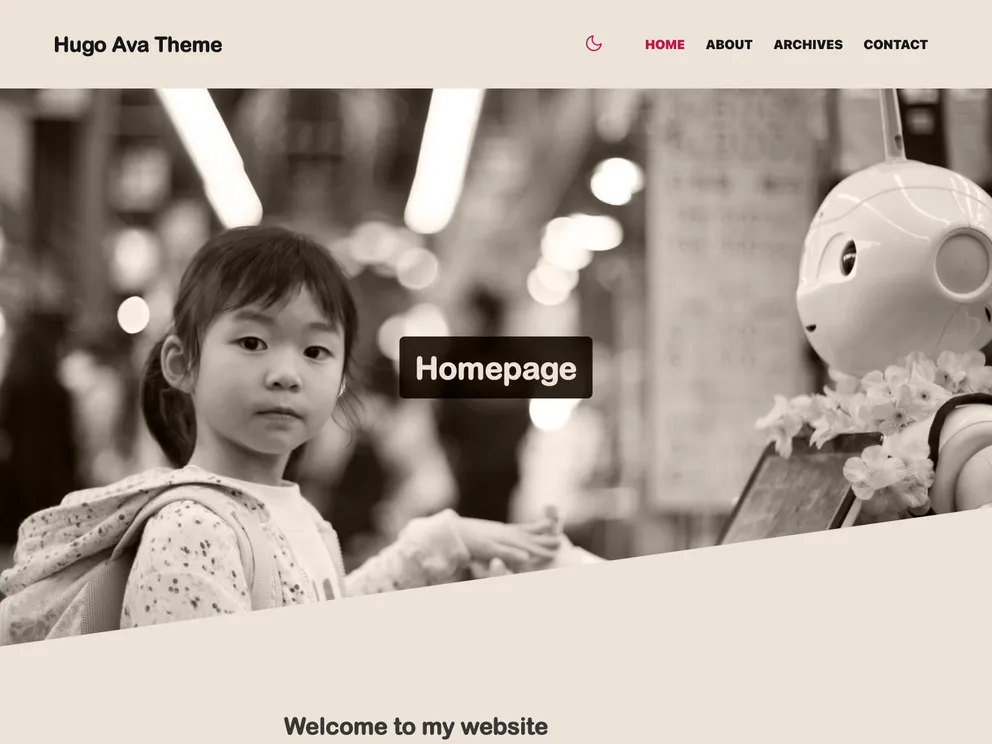
Ava is a light theme for your blog with essential features you might dig in.
The Hugo Ava Theme is a customizable theme for Hugo websites. It offers a sleek and modern design, with options for light and dark mode. The theme includes various features such as customizable colors, icons, and menu links. It also provides options for setting default images, adding comments through Disqus, and customizing the humans.txt file. The theme is released under the MIT license, allowing users to fork and modify it. Overall, the Hugo Ava Theme offers a stylish and versatile option for Hugo websites.
To install the Hugo Ava Theme, follow these steps:
hugo new site my-site, which will create a fresh Hugo site in a folder named “my-site”.Once the installation is complete, you can run the Hugo development server using the command hugo server and access the demo website at “localhost:1313”. To build your website for production, use the command hugo.
The Hugo Ava Theme is a customizable theme for Hugo websites, offering a sleek and modern design with options for light and dark mode. It provides features such as customizable colors, icons, menu links, and images. The theme also integrates with Google Analytics for website tracking and supports comments through Disqus. Installation of the theme involves cloning the theme repository, copying example content, customizing colors and icons, and configuring settings in the “config.toml” file. The theme is released under the MIT license, allowing users to modify and distribute it.