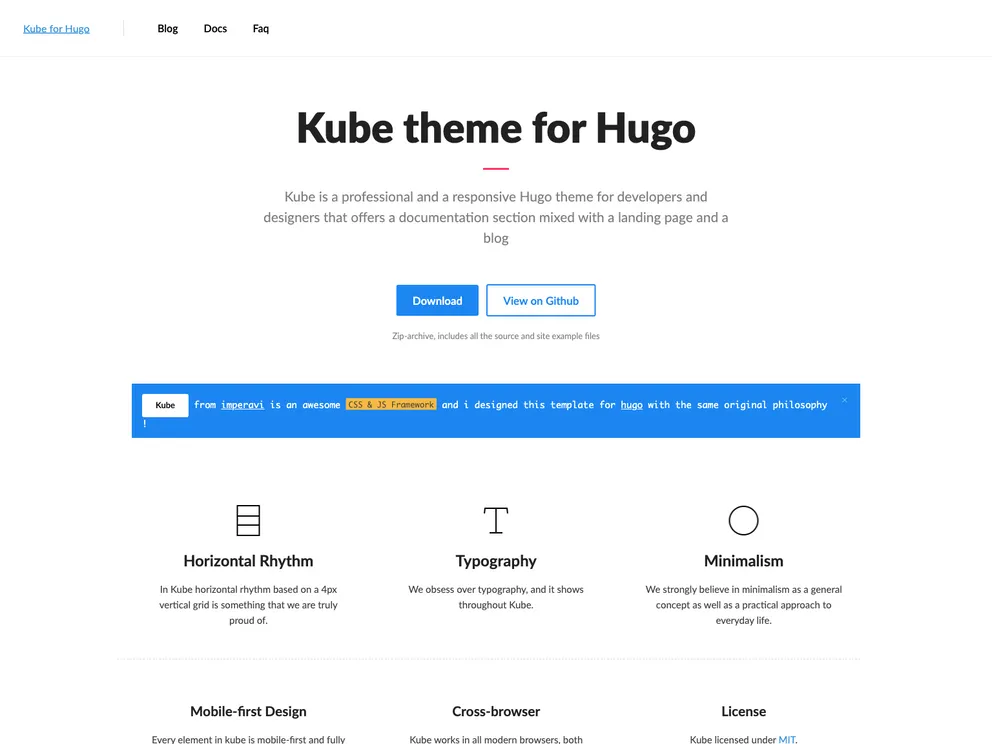
Kube is a professional and a responsive Hugo theme for developers and designers that offers a documentation section mixed with a landing page and a blog.
The kube theme for Hugo is a professional and responsive theme designed for developers and designers. It offers a combination of a documentation section, landing page, and blog. The theme is based on the Kube Framework and provides a mobile-first design, responsive layout, horizontal rhythm, and beautiful typography. It also includes features such as Google Analytics integration, Disqus commenting, OpenGraph support, structured data, paginated lists, reading time display, related posts, block templates, table of contents, SEO site verification, and a 404 page.
To install the kube theme for Hugo, follow these steps:
Inside the folder of your Hugo site, run the following command:
$ hugo new theme kube https://github.com/MunifTanjim/minimo
Copy the custom archetypes to your site:
$ cp -a themes/kube/archetypes/. archetypes
Next, navigate to the exampleSite folder and look for the config.toml file and the content for the demo.
Copy at least the config.toml file to the root directory of your website. Overwrite the existing config file if necessary.
Hugo includes a development server, so you can view your changes as you go. Run the following command:
$ hugo serve
Open your web browser and go to localhost:1313 to view your website with the kube theme.
The kube theme for Hugo is a versatile theme designed for developers and designers. It offers a mobile-first design, responsive layout, and a range of features to enhance the functionality of a Hugo-based website. With its clean and modern design, the kube theme is suitable for creating documentation sites, landing pages, and blogs. The theme provides easy installation and customization options, making it a popular choice among users.

