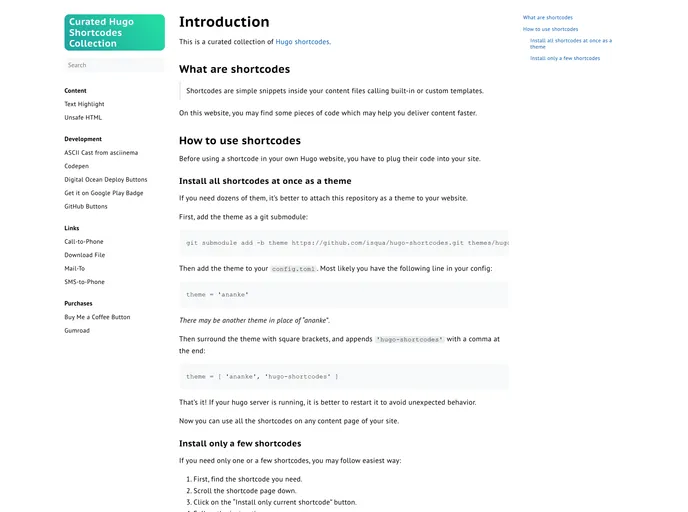
Easy-to-use set of snippets for Hugo websites. From Gumroad button to Codepen iframe.
This article provides an introduction to Hugo Shortcodes, explaining what shortcodes are and how to use them in a Hugo website. It also provides instructions on how to install all shortcodes as a theme or install only a few specific shortcodes. The article is aimed at Hugo users who want to enhance their website with additional functionality using shortcodes.
git submodule add https://github.com/username/hugo-shortcodes themes/hugo-shortcodes
Open your config.toml file.
Locate the line that includes the current theme name, such as:
theme = "ananke"
'hugo-shortcodes' with a comma at the end:theme = ["ananke", "hugo-shortcodes"]
Restart your Hugo server to ensure proper integration.
You can now use all the shortcodes on any content page of your site.
Find the specific shortcode you need.
Scroll down the shortcode page.
Click on the “Install only current shortcode” button.
Follow the provided instructions.
Restart your Hugo server to avoid unexpected behavior.
You can now use the shortcode on any content page of your site.
Hugo Shortcodes is a collection of simple snippets that can be integrated into Hugo websites to enhance content delivery and add additional functionality. Users have the option to install all shortcodes as a theme or selectively install only the desired shortcodes. The installation process is straightforward and the usage of shortcodes can help improve the efficiency of content delivery. For any further inquiries, users are encouraged to open an issue or contact the author directly.

