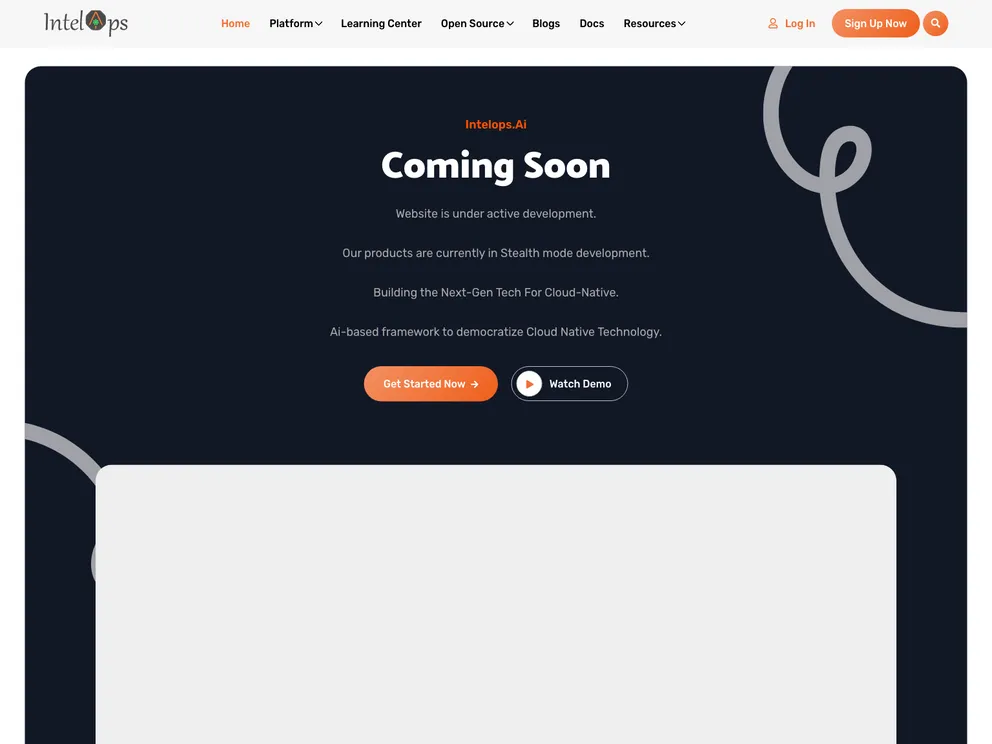
Website screenshot

Website

Author Avatar Theme by Intelops
Updated: 27 Sep 2024
6 Stars

This is the repo to manage all the website work, which is being developed using hugo framework.

Overview:

The given content is about a website that is being developed using the Hugo framework. It includes the contents of the website, such as the home page, platform, learning center, blogs, services, open-source, docs, about us, and resources. It also provides instructions on how to add discussions using Disqus, how to add a link to case studies, how to modify the footer, how to disable and enable pages and/or content from public view, and how to change the styling of different areas of the website.

Features:

  • Hugo Framework: The website is being developed using the Hugo framework.
  • Multiple Contents: The website includes various contents such as the home page, platform, learning center, blogs, services, open-source, docs, about us, and resources.
  • Discussion Integration: Instructions on how to add discussions using Disqus within the website.
  • Link Addition: Instructions on how to add a link to case studies to make it publicly visible within resources or the main menu.
  • Footer Modification: Instructions on how to modify the footer of the website.
  • Public View Control: Instructions on how to disable and enable pages and/or content from public view.
  • Styling Customization: Instructions on how to change the background color, text, etc. for call-to-action and footer areas as well as content areas.

Installation:

To install and use the website theme, follow these steps:

  1. Clone the repository using the command git clone https://github.com/intelops/website.git.
  2. Install Hugo on your system.
  3. Navigate to the cloned directory.
  4. Start the Hugo server using the command hugo server.
  5. Access the website by opening your browser and entering http://localhost:1313 in the address bar.

Summary:

The given content provides an overview of a website being developed using the Hugo framework. It lists the contents of the website and includes instructions on various customization aspects such as adding discussions, modifying the footer, controlling public view, and customizing styling. The installation guide helps users set up and use the website theme effectively.
