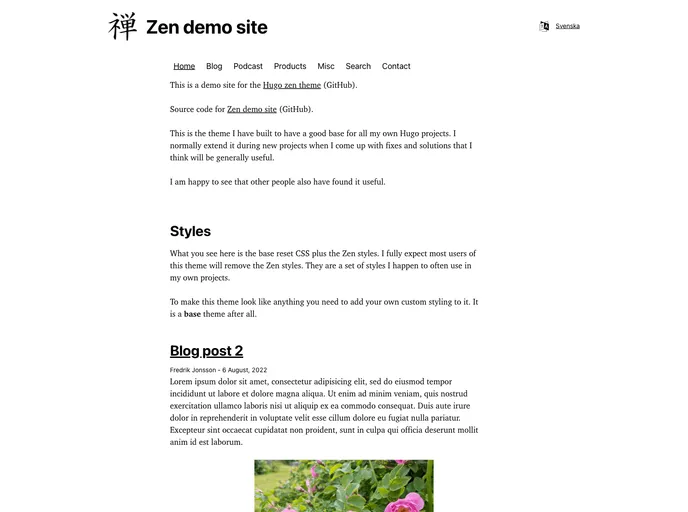
The zen theme for Hugo demo site.
The Zen theme for Hugo is a versatile and feature-rich theme that can be used for creating stunning websites. With its clean and modern design, it provides a seamless user experience. The theme is easy to install and customize, making it a great choice for both beginners and experienced users.
hugo mod get -u command.To install the Zen theme for Hugo, follow these steps:
git clone https://github.com/frjo/hugo-theme-zen.git
Navigate to the root of your Hugo project.
Copy the zen folder from the cloned repository to the themes directory of your Hugo project.
In your Hugo project’s configuration file (config.toml or config.yaml), set the theme to zen.
Customize the theme according to your needs by modifying the relevant files and configurations.
Build and preview your website by running the hugo server command.
Deploy your website by following the appropriate deployment instructions for your chosen hosting platform.
The Zen theme for Hugo is a powerful and flexible theme that offers a range of features and capabilities to create impressive websites. With its support for GitHub Pages, multilingual websites, and built-in search and podcast features, it provides a comprehensive solution for content creators and website owners. The theme is easy to install and customize, making it a great choice for anyone looking to build a professional website.

