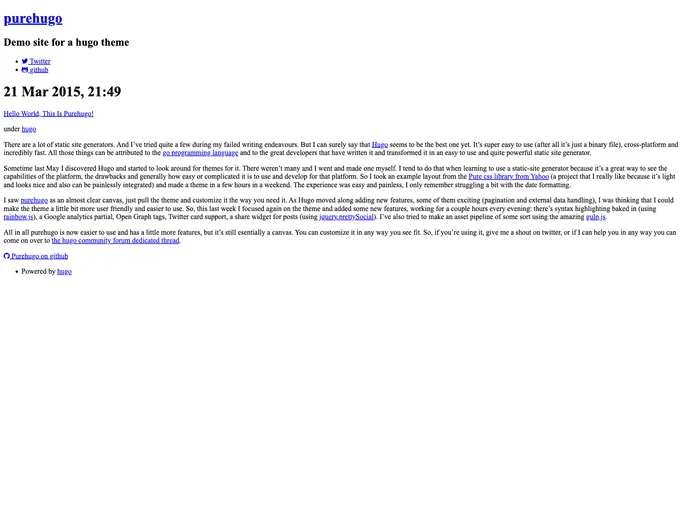
Hugo theme based on purecss from Yahoo.
Overview
purehugo is a Hugo theme based on purecss from Yahoo. It is a responsive theme that is designed with a blog layout example in mind. It offers several features including pagination, responsive images, Google Analytics integration, Disqus comments, and a mini-asset-pipeline using gulp.
Features
- Pagination for easy navigation through blog posts
- Responsive images implemented through a shortcode
- Integration with Google Analytics for tracking website traffic
- Disqus comments for allowing readers to engage in discussion
- Mini-asset-pipeline using gulp for optimizing and managing assets
Installation
To install the purehugo theme, follow these steps:
- Navigate to your Hugo site’s theme folder.
- Clone the purehugo theme repository into the theme folder.
- Check the configuration file for the demo site to see the necessary settings for Disqus comments, social media handlers, site description, and Google Analytics reporting.
- Use the built-in responsive image shortcode for implementing responsive images.
- Optionally, hide the share options in the single post view by adding a specific option in the params section of your config file.
- Optionally, hide the text next to the icons on the sidebar by adding a specific option in the params section of your config file.
Summary
purehugo is a responsive Hugo theme that is based on purecss from Yahoo. It offers various features such as pagination, responsive images, Google Analytics integration, Disqus comments, and a mini-asset-pipeline using gulp. With easy installation steps, this theme provides a user-friendly experience for website owners looking for a clean and modern design for their blogs or websites.