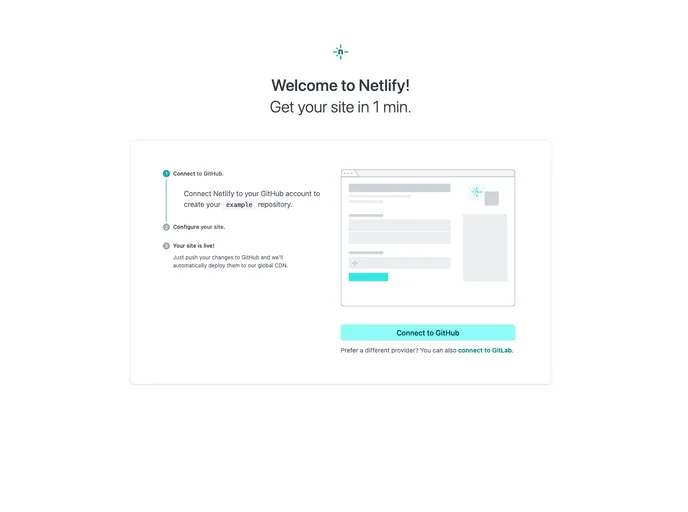
Easy deploy to Netlify. Click link to try it out. This is an example of how cState should look and function like from a production/user standpoint, this here has exampleSite with the proper hieracracy.
The cState Site v5.5 is a default cState status page website directory/folder. It allows users to create and maintain a status page for their website. Users can update the cState theme to customize the appearance of their status page. The cState source code repository is available on GitHub.
To install and update the cState Site, follow these steps:
git clone --recursive <your repo link goes here>
git submodule foreach git pull origin master
hugo serve to check if everything is working.git add -A
git commit -m "Update cState"
git push origin <branch, probably main or master>
For maintainers, the following additional steps are required:
git clone --recursive -b master https://github.com/cstate/example.git
cstate/cstate's exampleSite folder.git submodule foreach git pull origin master
git add -A
git commit -m "Update cState vX.X.X"
git push origin master
The cState Site v5.5 is a status page website directory that allows users to create and maintain a status page for their website. It offers customization options through the cState theme submodule. The installation process involves downloading the site repository, updating the theme submodule, and running the necessary Git commands for updating and uploading the status page.

