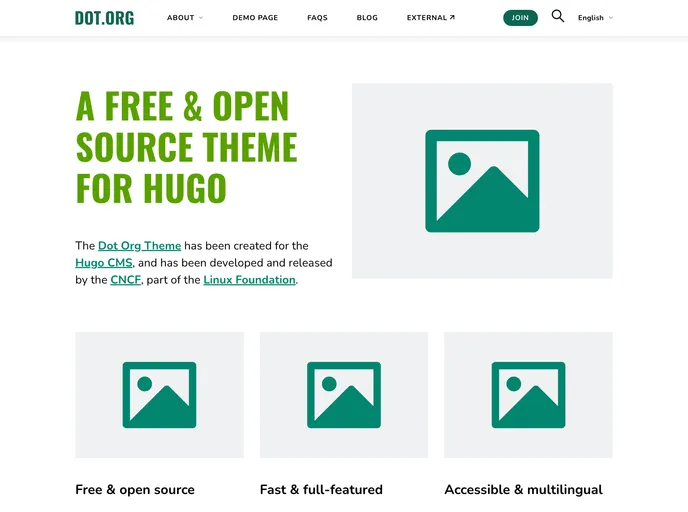
Hugo theme ideal for Organizations to use. Built initially for the TODO site redesign.
The Dot-Org Theme for Hugo is a modern and accessible theme designed for small organizations. Initially built for the TODO Group, this theme boasts a simple yet effective design that complies with WCAG 2.1 AA guidelines. It is also performant, as the HTML/CSS/JS code is written from scratch to prioritize speed without relying on frameworks or libraries. Additionally, the theme is multilingual, allowing for content in multiple languages. Key features of the Dot-Org Theme for Hugo include a mega menu with dropdown sections and an FAQ page with an accordion structure.
To install the Dot-Org Theme for Hugo, you can choose from two main methods:
$ git clone <theme-repo-url> themes/dot-org-hugo-themeTo update your theme to future versions, run the following command inside the folder of your Hugo site:
$ git submodule update --remote themes/dot-org-hugo-theme
$ git submodule add <theme-repo-url> themes/dot-org-hugo-themeTo update your theme to future versions, run the following command inside the folder of your Hugo site:
$ git submodule update --remote --rebase
After installing the theme, you may also need to install some dependencies:
Copy the following files from the theme’s exampleSite to the root folder of your project:
themes/dot-org-hugo-theme/exampleSite/package.jsonthemes/dot-org-hugo-theme/exampleSite/postcss.config.jsRun the following command from the command line to install the dependencies, which requires node.js:
$ npm install
To quickly set up the default config, you can copy the config folder from themes/dot-org-hugo-theme/exampleSite to the root of your site. Run the following command from the command line in your project root to copy the exampleSite config files:
$ cp -R themes/dot-org-hugo-theme/exampleSite/config .
You can then run a local server using:
$ hugo server
Or you can build your site using:
$ hugo
The Dot-Org Theme for Hugo is a modern and accessible theme ideal for small organizations. Its key features include a modern design, accessibility compliance, high performance, multilingual support, a mega menu, and an FAQ accordion. Installing the theme is straightforward, with options to either download it or use git submodule, and dependencies can be easily installed. Overall, this theme provides a user-friendly and visually appealing solution for small organizational websites.

