Transform and insert your GitHub readme in your static site.
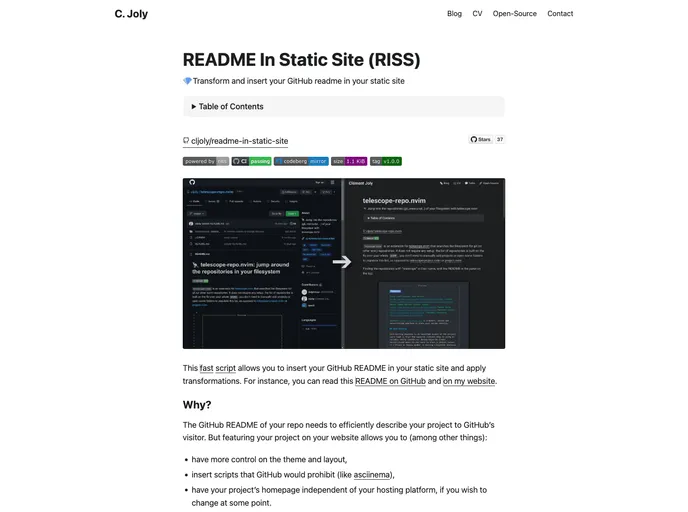
The README In Static Site (RISS) is a fast script that allows users to insert their GitHub README in their static site and apply transformations. This tool provides more control over the theme and layout of the project’s homepage, allows for the insertion of prohibited scripts, and makes the project’s homepage independent of the hosting platform.
To use RISS with Hugo or Zola, run the following code in your static-site sources:
[Insert code snippet specific to Hugo or Zola]
If you use a different markdown-based static-site generator, simply place the markdown file where it makes sense for that generator. RISS is based on Awk, so there is no additional installation required besides copying the script itself.
The README In Static Site (RISS) script allows users to easily integrate their GitHub README into their static site, providing more control over the theme and layout of the site. This tool also allows for the insertion of prohibited scripts and makes the project’s homepage independent of the hosting platform. With RISS, users can avoid duplicating efforts in describing their project and highlight the differences between the GitHub README and the project’s homepage.