Overview
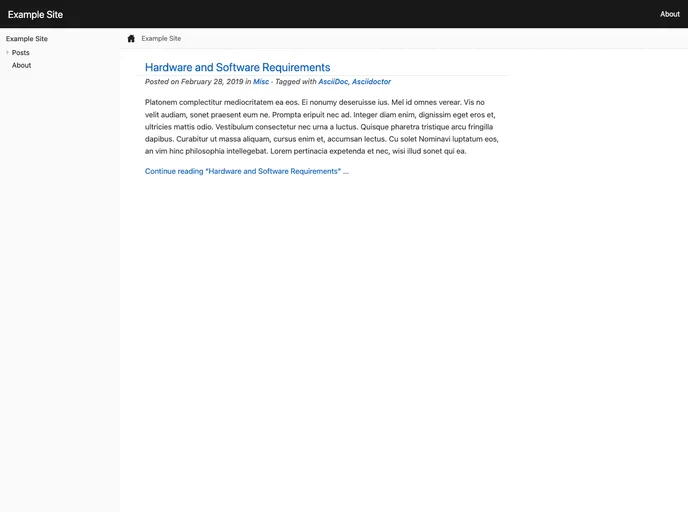
The Antora Default UI Hugo Theme is a Hugo theme based on the Antora default UI, designed to provide full support for Asciidoctor. It is a customizable and feature-rich theme.
Features
- Based on the Antora default UI
- Full support for Asciidoctor
- Customizable CSS
- Syntax highlighting using highlight.js
- Easy installation and configuration
- Compatible with Hugo and Asciidoctor
- Copyright message and year configuration
- URL configuration for editing pages
Installation
- Install Hugo and create a new site.
- Install Asciidoctor.
- Clone the theme repository from GitHub into your site’s themes directory.
- Alternatively, add the theme as a Git submodule.
- Add the theme to your site’s configuration file (config.toml).
- Configure the Asciidoctor attributes in your site’s configuration file for use with this theme.
- Optionally, configure a description and keywords for the home page.
- Optionally, configure a copyright message and year for the footer.
- Optionally, configure a URL for use with the Edit this page feature.
Summary
The Antora Default UI Hugo Theme is a powerful and flexible theme for Hugo, providing full support for Asciidoctor. With its easy installation and configuration process, users can customize the theme according to their needs. The theme also includes features such as customizable CSS, syntax highlighting, and configuration options for description, keywords, copyright message, and URL.